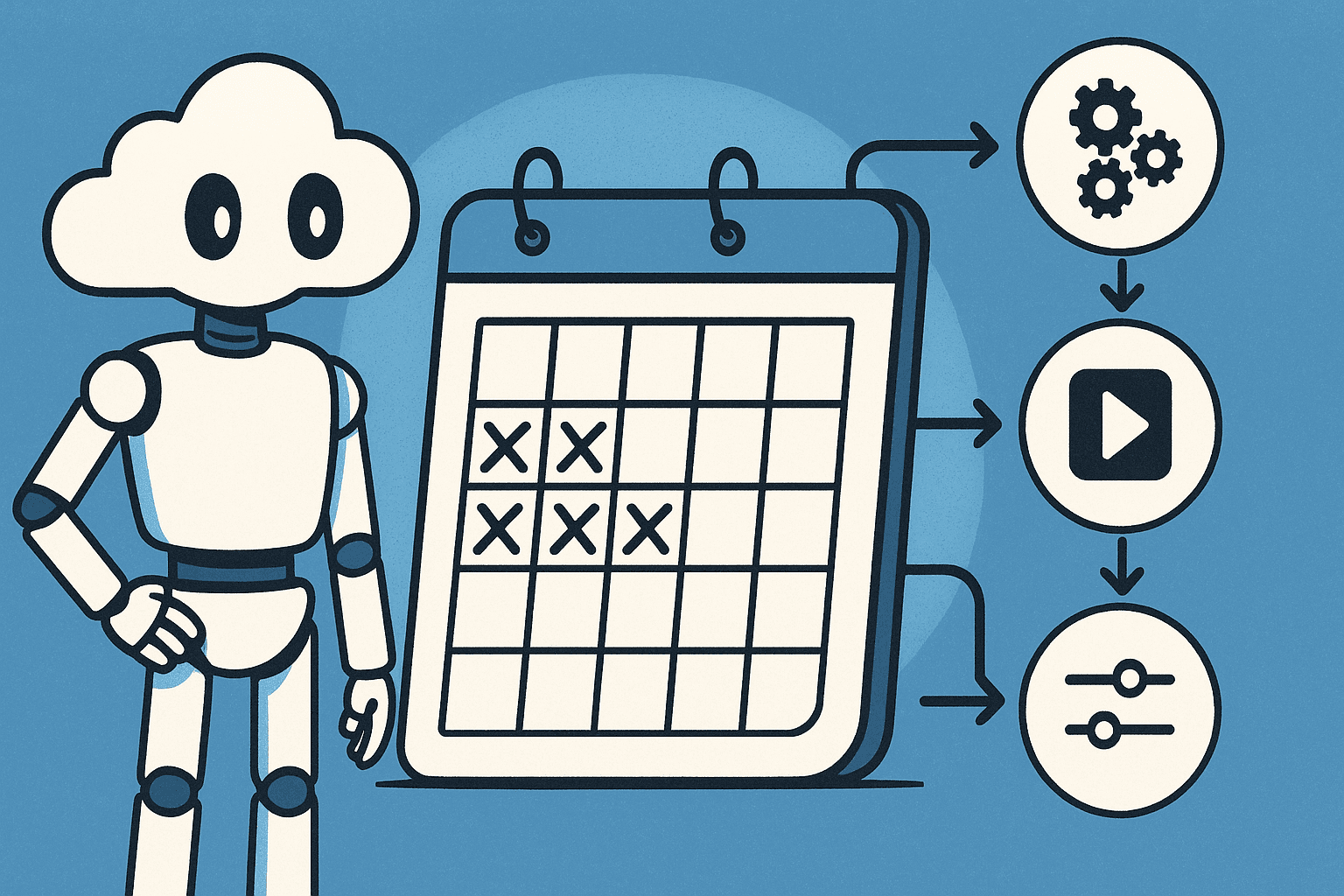

Most AI workflow experiments die before the second week. The automations that survive six months share one pattern: they solve a single recurring task that costs 30 or more minutes each week, they run on a fixed schedule, and they require zero decisions to trigger. Build for repeatability, not sophistication.
The 2025 Stanford AI Index found that 78% of knowledge workers have tried a generative AI tool, but fewer than 28% report using one daily. That gap is not a motivation problem. It is a design problem. The workflows that died were built to impress, not to repeat.
Here are five Claude automations that ran every week for six months, and the pattern that made them last.
Why Do Most AI Workflows Get Abandoned Within a Week?
Setup feels like progress. That is the trap. On day one, building the workflow is stimulating. You tune the prompt. You test a few outputs. The whole thing feels productive. But the task you built it for? It barely came up that week.
Then week two arrives. Something urgent demands attention. The workflow requires you to remember a prompt, prep an input, and make a decision about whether now is the right time. It does not run.
Clever automations die fastest. Any workflow that needs manual prep, multi-step triggers, or a daily judgment call is abandoned the first week life gets busy.
The sweet spot is the 30-minute threshold. Tasks under 15 minutes are easy to do manually, so the automation never feels worth maintaining. Tasks over 30 minutes are painful enough that skipping them has real cost. That pain is what keeps the habit alive long after the novelty wears off.
What the Five Surviving Automations Actually Do
These are not exotic. They are boring in the best way.
Weekly email triage brief. Paste the week's inbox into Claude with a fixed prompt. Get a prioritized action list and one draft reply per item that needs a response. As of May 2026, Claude's 200K-token context window means a full week of inbox threads runs in a single call, no chunking required.
Meeting notes to decisions log. Drop raw transcript or bullet notes into Claude after every recurring meeting. Output is a structured decisions-and-owners summary added to one running document. After 24 weeks, that document is a searchable record of every choice made.
Weekly content repurposing. One long-form piece in. Five short-form outputs out: a LinkedIn post, two tweet drafts, a newsletter blurb, and one FAQ item. Same prompt every time.
Competitive pulse digest. Paste three to five competitor newsletters or release notes collected that week. Claude surfaces what changed, what to watch, and what to ignore.
Friday review and plan. A fixed prompt takes a brain-dump of the week and returns a structured review plus a prioritized task list for Monday.
The Pattern Connecting Every Workflow That Stuck
Four things appear in all five automations.
Fixed input format. Each workflow uses the same input structure every time. There is no decision about what to include or how to frame it. The prompt is already written. You paste and run.
No-decision trigger. All five are tied to a natural weekly event: end of a meeting, an inbox zero session, Friday wind-down. They do not rely on motivation. They run because the calendar says so.
Output goes somewhere permanent. Every automation writes to a real destination, a doc, a thread, a saved file. Outputs that live only in a chat window get buried and ignored.
None of them are impressive. The value compounds across 52 repetitions of a boring task, not in the sophistication of one well-crafted prompt. As of May 2026, Anthropic's API pricing has dropped roughly 80% since 2023 in cost-per-token terms, so running five weekly automations via the API costs most individuals under two dollars a month. The barrier to keeping them running is not cost. It is patience.
How Do You Set Up Your First Recurring Claude Task?
Start with one task you already do manually every week. It must take 30 or more minutes and produce a predictable type of output. That predictability is what makes a prompt possible.
Write the prompt once. Test it three times with real inputs. Then lock it into a document or a Claude Project. As of May 2026, Claude's Projects feature stores persistent system prompts and file context across sessions, which makes recurring task setups far more stable than the old copy-paste approach. You are not rewriting from memory on week seven.
Schedule the session like a meeting. A calendar block titled "Run Claude workflow" removes the decision of when to do it. Decisions kill habits.
Then resist the urge to improve the prompt for the first month. Tweaking weekly is how automations die. Stability is the goal. If the output is 80% of what you want, that is enough to keep running. Perfecting it in week two means you are maintaining a project, not running a workflow.
What Does Six Months of Consistent Use Actually Look Like?
The compounding output is the real reward. A decisions log built over 24 weeks becomes a reference document no single session could produce. A content repurposing workflow run 52 times generates a publishing rhythm that feels natural rather than forced.
Prompt drift is real. Around month three, prompts often need a one-time refresh as your role or workflow shifts. Budget 20 minutes once per quarter for this. Do not let minor drift cause you to abandon the whole thing.
By month four, the ROI becomes invisible in the best way. You stop calculating time saved. The workflow is just part of how the week works, the same way a weekly planning meeting is. That invisibility is the signal it worked.
The automations that survive six months are not clever. They solve one specific recurring task, they run on a fixed schedule, and they require zero decisions to trigger. Build for boredom. The workflow will still be running when you have forgotten you set it up.
Ready to build your first one? Start with how to use Claude Projects to store your prompts and context across sessions, then look at 8 Claude Code workflows developers run daily for more examples of automations built around fixed, repeating inputs. If you are newer to the tool, how to learn Claude AI from scratch in 2026 covers the foundations before you build anything on top of them.
FAQ
What Claude automations actually save time every week?
The ones that consistently save time share three traits: they handle a task you already do manually on a regular schedule, the input format is the same every run, and the output goes to a real destination you reference later. Proven examples include weekly email triage, meeting notes to decisions logs, and content repurposing from a single long-form piece. Avoid automations that require prep work or creative decisions each time you run them, those die within a week.
How do I use Claude as a personal assistant on a weekly basis?
Start with one task, not five. Identify the recurring weekly job that takes the most time and produces a predictable output type. Write a fixed prompt, store it in a Claude Project or a pinned doc, and schedule a calendar block to run it at the same point each week. The calendar block is non-negotiable: without a fixed trigger, you run it when you feel like it, which means you stop running it. Add a second automation only after the first one has run consistently for four weeks.
Why do AI workflows stop working after a few days?
Usually one of three reasons. First, the task was not painful enough to justify the setup overhead, so the manual version stays easier. Second, the automation requires a decision or manual prep step each run, which introduces friction that compounds over time. Third, the output has no fixed destination, so it lives in a chat window, gets buried, and the workflow loses its perceived value. Fix all three and retention rates improve dramatically.
What are the best Claude prompts for recurring tasks?
The best recurring prompts are boring by design. They specify the input format explicitly ('paste the raw transcript below'), define the exact output structure ('produce a bulleted decisions list with an owner and a due date for each item'), and include a scope constraint ('ignore anything not requiring a decision or action'). Prompts that leave interpretation open produce inconsistent outputs, which forces you to edit manually, which kills the habit. Lock the format and resist tweaking it weekly.
Can I automate email summarization with Claude?
Yes, and it is one of the highest-ROI starting points. The straightforward version: at the end of each day or week, copy your inbox (subject lines, senders, and first two lines of body text) into a Claude session with a prompt that asks for a prioritized action list and a draft reply for anything requiring a response. For a more automated version, tools like Zapier or Make can pipe Gmail summaries directly to Claude via the API, though the manual paste version works well enough to build the habit first.