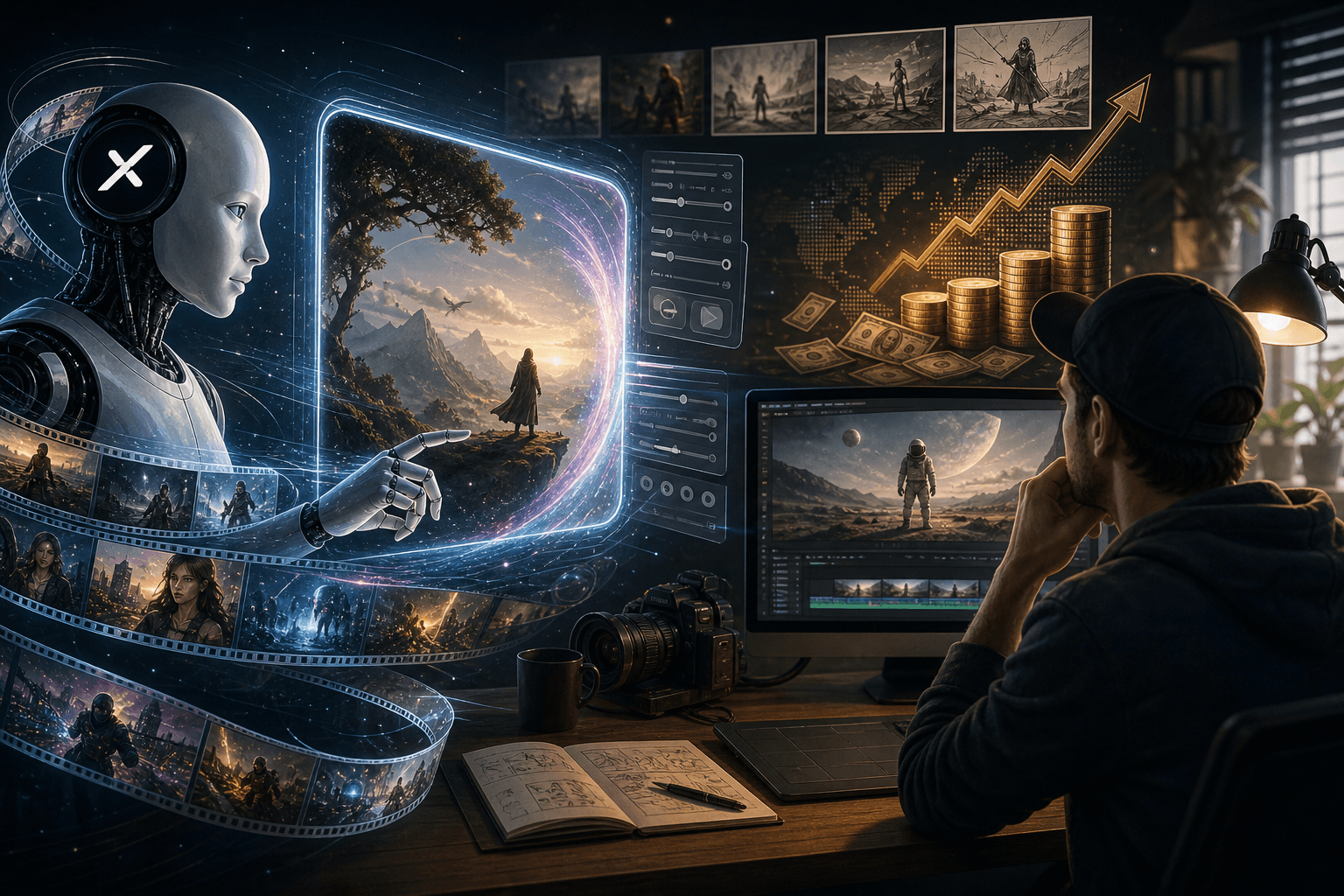

You should care because Artificial Analysis ranked Grok Imagine Video 1.5 number one on its global AI video leaderboard in 2026, ahead of Sora 2, Veo 3.1, and Kling. Grok Imagine Video 1.5 is useful when you treat it as a production tool for short video, audio, ad tests, and client-ready creative.
What is Grok Imagine Video 1.5?
Grok Imagine Video 1.5 is xAI’s short-form image-to-video model. You start with an image, add a motion prompt, and get a video clip with motion and native sound. As of June 2026, it is being discussed as a top-ranked model on public AI video lists, with Artificial Analysis placing it first against Sora 2, Veo 3.1, Kling, and other systems.
The main point is not that it makes fun clips. The main point is speed. Builders can turn one product photo, founder shot, room image, or event poster into moving creative. Native synchronized audio matters because the workflow is moving past silent clips. Ads, reels, product demos, and memes now need voice, sound effects, and music baked into the first draft.
That makes Grok Imagine Video 1.5 part of a larger xAI video generation push, not just an image toy with motion added. The practical question is whether it can follow prompts closely enough to hold a product, face, logo, or scene together while adding camera movement, dialogue, effects, and music.
For a wider view of how tool links change AI work, see Model Context Protocol: How MCP Connects AI to Your Tools.
How does Grok Imagine Video 1.5 work?
Grok Imagine Video 1.5 works best when the first frame already looks like the video you want. The source image sets the subject, style, layout, face, product shape, and scene. The prompt then tells the model what should move, how the camera should act, and what the sound should feel like.
A simple workflow is: upload a clean image, write a motion prompt, add camera direction, add sound direction, render, then review. The xAI Grok page frames Grok as a fast assistant inside its own product world, but paid video work needs more than access. It needs a repeatable brief.
The image-to-video workflow is especially useful for still image animation. You can take a product shot, interior photo, portrait, poster, or thumbnail frame and ask for controlled motion instead of rebuilding the whole scene from text. Text-to-video prompts still matter because they define the action, but the starting image reduces ambiguity.
A strong prompt has five blocks: subject action, camera move, scene mood, audio cue, and output limits. For example, say “slow push-in,” “soft store ambience,” “no text changes,” “keep logo sharp,” and “vertical social ad.” This gives the model fewer ways to drift.
Output limits should be specific. Ask for the intended duration, aspect ratio, and delivery format up front, such as a short 9:16 clip for Reels, a 1:1 paid social variation, or a 16:9 website preview. If the workflow offers 720p and 480p output choices, use 720p for review, ads, and client delivery, and use 480p for fast drafts, prompt tests, and internal comparisons.
What are the best Grok Imagine Video 1.5 prompts?
The best prompts are short, clear, and built for review. Use this base: “Animate this image into a [duration] video. Keep [fixed elements] unchanged. Make [subject] do [action]. Camera: [move]. Lighting: [style]. Audio: [voice, sound effects, or music]. Output: [aspect ratio and use].”
For a product demo: “Keep the bottle label sharp. Add slow condensation, a hand placing it on ice, soft splash sound, bright retail light, 9:16 paid social cut.” For UGC: “Founder speaks one short line, natural mouth movement, quiet room tone, phone-camera feel, no extra people.” For a local business clip: “Show warm foot traffic, light sign glow, street sound, slow pan, weekend promo feel.”
Prompt adherence is the thing to judge first. A good result is not only attractive. It keeps the fixed elements fixed, follows the camera note, respects the duration, uses the requested aspect ratio, and does not invent extra text, people, products, or claims. If one instruction matters most, put it early and repeat it once in plain language.
Lip-synced dialogue needs tighter prompting than ambient sound. Keep spoken lines short, name who is speaking, specify the tone, and avoid asking for multiple speakers in the same first test. Sound effects and music should be described as separate layers, such as “single door chime,” “soft splash,” “quiet room tone,” or “light upbeat background music,” so the audio does not become crowded.
For cinematic camera control, use familiar editing language: slow push-in, locked-off tripod, handheld phone feel, rack focus, orbit, tilt down, or gentle dolly left. If the tool supports video extension, write the first prompt so the ending can continue cleanly, with no hard camera whip, abrupt object change, or final-frame gag unless that is the intended endpoint.
If hands warp, reduce action. If lips look odd, use voiceover instead of face speech. If audio gets noisy, ask for fewer layers. Good prompting is closer to editing notes than magic words. For prompt habits, pair this with Prompt Engineering Techniques That Actually Work in 2026.
Which use cases are actually worth trying?
The best business use cases are paid ad variations, product motion packs, event promos, social shorts, and simple explainers. These have buyers, clear outputs, and quick review loops. A skincare brand can test three hooks from one product image. A cafe can turn a menu photo into a weekend reel. A real estate agent can make listing clips from still rooms.
Image-to-video generation is strongest when the source asset already has commercial value. A clean product photo, founder portrait, retail display, restaurant dish, app screenshot, or property image gives the model something concrete to preserve. That is usually more useful for client work than asking for a full scene from text alone.
Novel clips can get likes, but they often fail as paid work. Random cinematic scenes, memes with no offer, and long story videos are harder to sell. Buyers pay when the video helps them test a message, show a product, or move people to act.
Grok Imagine fits inside a stack. You still need editing, captions, landing pages, analytics, and posting. Compare the production bar with Runway Gen-4.5 Review: Is AI Video Generation Production Ready? and How to Build a Faceless YouTube Channel With AI in 30 Days.
How can creators make money with Grok Imagine Video 1.5?
Creators make money by selling a system, not a clip. The offer can be “10 ad variations from 3 product images,” “5 founder reels with captions,” “weekly local business promo pack,” or “real estate listing motion set.” Price the work by deliverables, revision rounds, usage rights, speed, and testing value.
A starter offer could include three 9:16 videos, two caption styles, one revision pass, and export files for TikTok, Reels, and Shorts. A stronger offer adds hook testing, thumbnail frames, post copy, and performance notes after seven days. That is easier to defend than charging for prompts.
If you are building this into a service, API integration matters. A real production workflow should capture the same inputs every time: source image, prompt, duration, aspect ratio, resolution, audio direction, seed or variation setting if available, and client notes. JSON API input fields make this easier to repeat because each job can be logged, compared, retried, and handed off without rewriting the brief from memory.
As of June 2026, creator monetization depends less on model access and more on proof.
What are the limits, risks, and policy issues?
Grok Imagine can speed up video work, but it does not remove judgment. Client work still needs brand checks, likeness consent, copyright review, platform rules, and human approval. Do not animate a real person’s face for an ad without clear rights. Do not use protected product photos, celebrity faces, or false claims because the model made them look polished.
Quality checks should be boring and strict. Check faces, hands, logos, text, product shape, sound sync, captions, and claims. Watch the full clip on mobile. Export the right aspect ratios. Keep the source file, prompt, revision notes, and client approval in one folder.
Also check the technical settings before delivery. A 480p draft may be fine for internal selection, but it can look soft once uploaded, compressed, and viewed on a phone. A 720p output gives more room for captions, crops, and paid social review, but it still needs a final mobile watch-through. Duration controls should be tested too because a six-second ad, a ten-second reel, and a longer extended clip behave differently.
Treat this as a build checklist. For model access risk, read AI Model Access Is Revocable. What the Fable 5 Shutdown Means.
Build one paid test offer this week. Pick one niche, use three real source images, make three ad-ready clips, track the prompts, and sell the outcome as faster creative testing.
FAQ
What is Grok Imagine Video 1.5 used for?
Grok Imagine Video 1.5 is used to turn images into short AI-generated videos with motion and synchronized audio. The most practical uses are short-form ads, product motion clips, social media posts, cinematic concept shots, meme formats, real estate previews, event promotions, and rapid creative testing. It is not a full replacement for editing, storyboarding, or brand review. The strongest workflow is to start with a strong source image, write a clear motion prompt, generate several variations, then finish the best output with captions, trims, music balance, and platform-specific formatting.
How do I write better Grok Imagine Video 1.5 prompts?
A strong Grok Imagine Video 1.5 prompt usually includes five parts: subject action, camera movement, environment change, visual style, and audio direction. For example, instead of asking for a product video, describe the product rotating on a clean studio surface, the camera pushing in slowly, soft reflections moving across the packaging, crisp natural shadows, and a subtle whoosh sound as the logo settles. Good prompts avoid vague words like cinematic without explaining what should move, what should stay stable, and what the viewer should notice first.
Can you make money with Grok Imagine Video 1.5?
Yes, but the money is usually in packaged outcomes rather than single generated clips. A practical offer might be ten short ad variations from existing product images, three motion concepts for a landing page, or a monthly pack of social clips for a local business. Clients pay for usable creative, speed, taste, and revision handling. To sell it well, show before and after examples, define what counts as a revision, include usage rights in writing, and avoid promising perfect realism. The model is the production engine, not the whole business.
Is Grok Imagine Video 1.5 better than Sora 2 or Veo 3.1?
It depends on the job. Public leaderboard rankings can show relative model performance, but the better model for a project depends on source image quality, prompt control, audio needs, cost, output length, export workflow, and commercial constraints. Grok Imagine Video 1.5 is especially interesting if its claimed strengths hold in real tests: strong image-to-video quality, native synchronized audio, and lower generation cost. A serious comparison should use the same input image and prompt across models, then judge motion stability, subject fidelity, audio timing, artifacts, and editability.
What should I check before delivering AI video to a client?
Before delivering AI video, check visual consistency, brand accuracy, text accuracy, likeness rights, copyright risk, audio quality, platform fit, and whether the clip makes any misleading claim. Watch the output at normal speed and frame by frame. Look for warped logos, strange hands, flickering product details, broken packaging, unnatural mouth movement, or audio that implies something the client did not approve. Export in the agreed aspect ratios and keep the source image, prompt, versions, and final files organized so revisions are traceable.