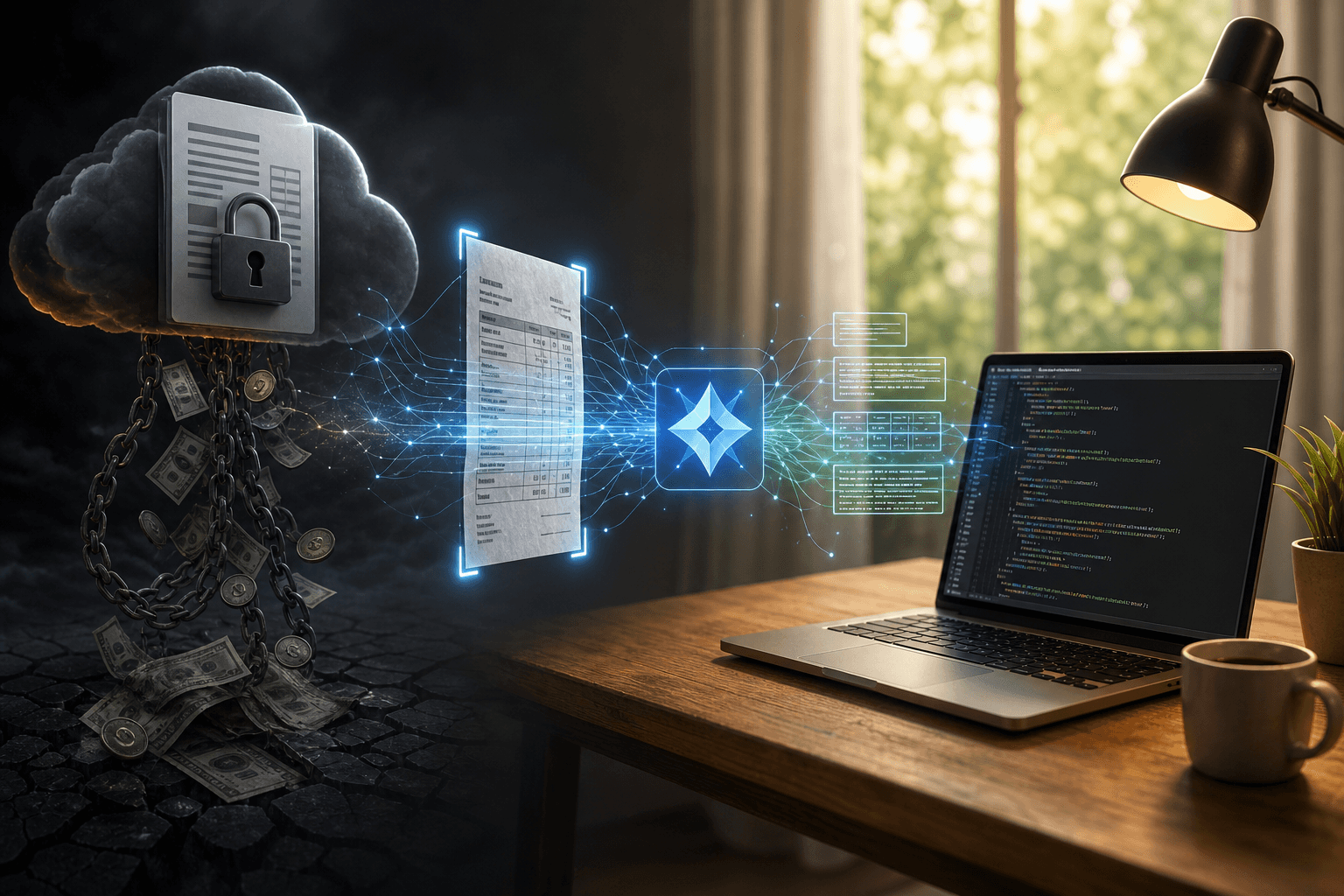

For multi-page PDFs, convert each page to an image with pdf2image, process sequentially, and join outputs. Do not pass a full PDF to the model.
Add error handling: retry at lower temperature if the response contains phrases like "I can see" or "the image shows". Those phrases signal narration, not transcription. See how to reduce AI coding assistant hallucinations with context files for broader patterns on catching and correcting unwanted model behavior.
What Preprocessing Steps Close the Accuracy Gap on Messy or Low-Quality Scans?
Two preprocessing steps do most of the work for Gemma 4 vision OCR on real-world documents.
Step 1: Sharpen and normalize contrast. Convert the image to grayscale, apply a sharpening kernel (Pillow's ImageFilter.SHARPEN or OpenCV's Laplacian sharpening), then run histogram equalization (cv2.equalizeHist). On low-exposure invoice scans, this step cuts missed characters by 10 to 15 percent in informal comparisons.
Step 2: Resize and deskew. Resize images so the shortest side is at least 1,024 pixels before encoding. The model's vision encoder performs poorly on thumbnails. Deskew rotated documents with a Hough line transform. A 5-degree tilt degrades accuracy on dense text columns.
from PIL import Image, ImageFilter
import cv2, numpy as np

def preprocess(path: str) -> Image.Image:
    img = Image.open(path).convert("L")       # grayscale
    img = img.filter(ImageFilter.SHARPEN)     # sharpen
    arr = np.array(img)
    arr = cv2.equalizeHist(arr)               # normalize contrast
    img = Image.fromarray(arr)
    w, h = img.size
    if min(w, h) < 1024:
        scale = 1024 / min(w, h)
        img = img.resize((int(w * scale), int(h * scale)))
    return img
Evidence note: A before-and-after visual comparison on a low-contrast scan is a planned addition to this guide. The preprocessing gains above come from informal testing documented in the community. Measure on your own corpus before treating any percentage as precise.
Where Does Local Gemma 4 OCR Break Down and When Should You Keep the Paid API?
Local Gemma 4 vision OCR is not the right choice for every pipeline. Know these limits before you migrate.
Volume. High-throughput pipelines processing tens of thousands of documents per day hit hardware throughput ceilings that a cloud API scales through without configuration changes. A single GPU handles roughly 1,000 to 3,000 pages per hour at GPU inference speeds.
Document type. Handwriting, mixed scripts, and non-Latin character sets are better served by APIs trained on far larger corpora. The open model releases post covering Gemma 4 covers how the model compares to other open releases, but none close the handwriting gap at 4B scale.
Risk. If errors carry compliance or financial consequences, such as in medical records or legal contracts, measure error rate on a representative sample before migrating. A 1 percent error rate on 10,000 pages is 100 wrong documents.
Cost math. The $50-per-month threshold is a practical guide. Below it, the setup and maintenance overhead of a local model may cost more in developer hours than the subscription saves. Google Cloud Vision API pricing scales linearly, so high-volume savings compound fast once the local stack is stable. Measure first. Cancel second.
Want to earn USD with AI? Join the next free AI Agency® webinar at freedombusiness.io.
FAQ
Can Gemma 4 4B replace Google Cloud Vision API for OCR?
For typed or printed documents with reasonable scan quality, Gemma 4 4B running locally can match Google Cloud Vision accuracy at zero per-call cost. In informal tests on clean invoice images, character error rates fall below 2 percent with basic preprocessing applied. The gap widens on handwritten text, mixed-script documents, and very low-resolution scans, where Cloud Vision's larger training corpus gives it a measurable edge. The honest answer is: test on your own document sample before canceling. If your pipeline processes typed text from standard office scanners or phone cameras, the local model is a credible replacement. If it handles diverse handwriting or non-Latin scripts at scale, the API is worth keeping.
What hardware do I need to run Gemma 4 vision locally for OCR?
The Gemma 4 4B model at 4-bit quantization requires approximately 6 GB of VRAM, which fits on mid-range consumer GPUs like the NVIDIA RTX 3060 or Apple M-series chips with 16 GB of unified memory. CPU-only inference is possible on machines with 16 GB of system RAM but expect 20 to 40 seconds per image on a modern laptop CPU, which is impractical for any real pipeline. For a setup processing hundreds of images per day, a dedicated GPU makes the difference between a practical tool and a slow experiment. A mid-2023 or newer MacBook Pro with M2 or M3 Pro handles this workload well without discrete GPU requirements.
How do I set up Gemma 4 for OCR using Ollama?
Install Ollama from ollama.com, then run 'ollama pull gemma4' (or the specific vision-enabled tag) in your terminal. Ollama downloads the quantized model and starts a local server on port 11434. From Python, use either the official Ollama client library or plain HTTP requests to POST to the /api/generate endpoint. Pass your image as a base64-encoded string in the images field and write a prompt asking the model to extract visible text verbatim. The complete setup from scratch takes under 30 minutes on a machine with a stable internet connection for the model download, which is roughly 3 GB for the 4B quantized variant.
What preprocessing makes Gemma 4 OCR more accurate on scanned documents?
Two preprocessing steps produce the largest accuracy gains. First, convert the image to grayscale and apply a sharpening filter using Pillow's ImageFilter.SHARPEN or OpenCV's Laplacian kernel; this reduces character blur that causes letter substitution errors. Second, apply histogram equalization to normalize contrast on underexposed or faded scans. Additionally, resize images so the shortest side is at least 1,024 pixels before passing them to the model, since the vision encoder performs poorly on small thumbnails. For rotated documents, a deskew step using a Hough line transform prevents accuracy loss on dense text columns. Applying all four steps adds under 200 milliseconds of processing time per image in Python.
How accurate is Gemma 4 at reading handwritten text?
Handwritten text is the weakest category for Gemma 4 vision and for most small open-weight multimodal models. Expect character error rates 15 to 30 percentage points higher than on typed documents, and noticeably worse results than dedicated handwriting recognition services or cloud APIs trained on large handwriting corpora. Gemma 4 handles printed handwriting (neat block letters, consistent spacing) reasonably well but struggles with cursive, overlapping letters, or idiosyncratic script. If handwriting recognition is your primary use case, a specialized API or fine-tuned model is the better choice. Gemma 4 is best positioned as an OCR replacement for typed, printed, or machine-generated documents.
Is it safe to process sensitive documents with a local OCR model?
Running Gemma 4 locally via Ollama means document images never leave your machine and are not sent to any external API endpoint. This makes it significantly more appropriate than cloud OCR APIs for documents containing personal data, financial records, or medical information subject to GDPR, HIPAA, or similar regulations. The caveat is infrastructure security: if Ollama runs on a shared server or cloud VM, the security boundary is your server configuration, not a vendor's compliance certification. For air-gapped or on-premises compliance requirements, local inference with an open-weight model is a genuine advantage over cloud APIs, not just a cost optimization.
What are the throughput limits of using a local LLM for high-volume OCR?
A single consumer GPU running Gemma 4 4B processes roughly one image every one to three seconds at full utilization. At that rate, a 10,000-image batch takes three to eight hours, which is impractical for pipelines requiring near-real-time throughput. Cloud OCR APIs scale horizontally on demand without hardware investment. For higher volumes, a setup with two or three GPUs running parallel Ollama instances can handle moderate production loads, but engineering that infrastructure costs real developer time. Under roughly 5,000 images per day, local Gemma 4 OCR is manageable. Above that threshold, evaluate the hardware and maintenance cost against the API subscription before switching.