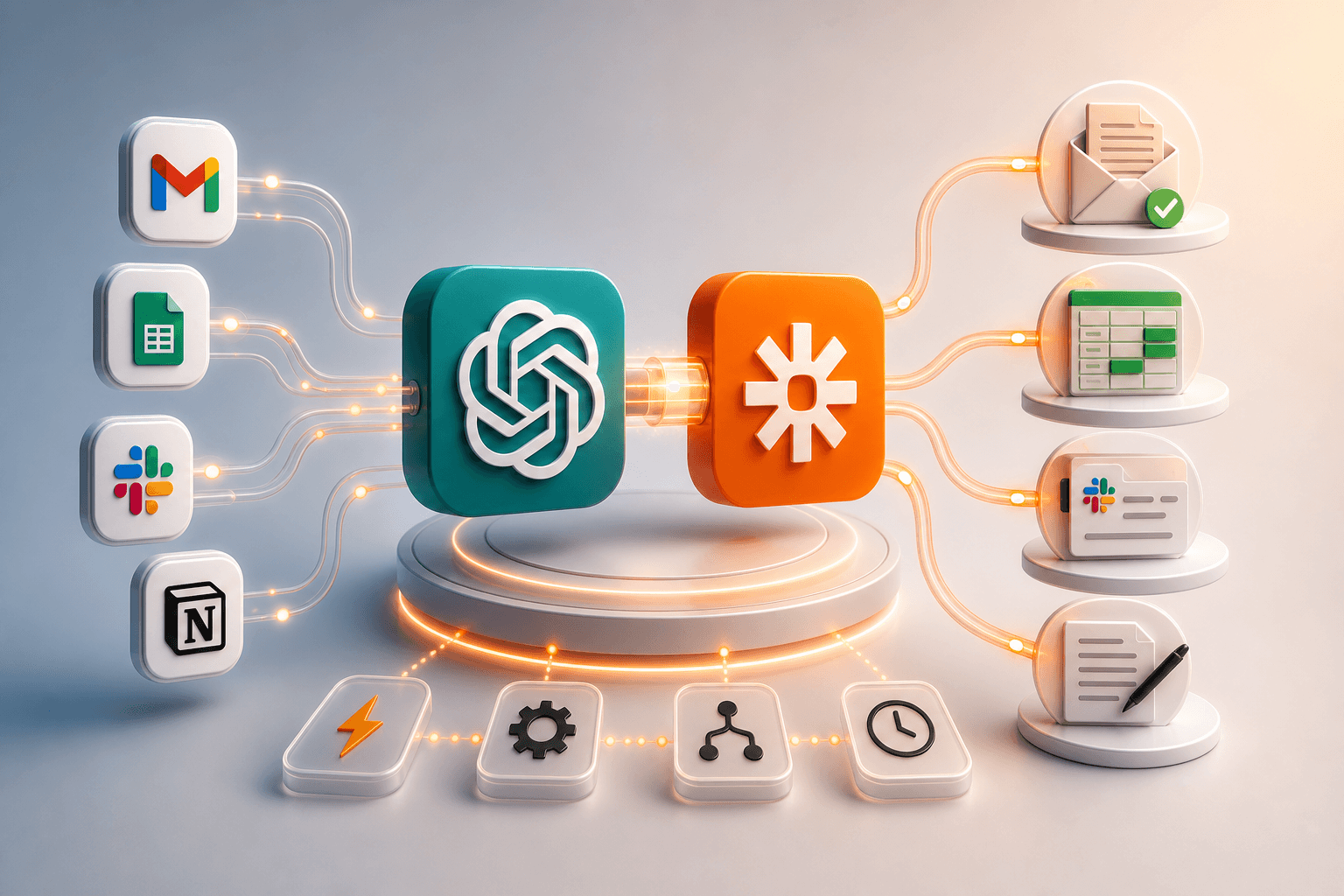

You can automate ChatGPT with Zapier MCP in about five minutes, with no code. Paste one server URL into ChatGPT's Developer Mode, pick which of Zapier's 30,000+ actions the model can call, and ChatGPT shifts from text generator to action layer across your existing software stack.
MCP SDK downloads reached 97 million per month by March 2026, up from just 100,000 at launch - a 970x increase in 18 months. That number shows one thing clearly: AI tools that can only talk and not act are being left behind. As of April 2026, 78% of enterprise AI teams report at least one MCP-backed agent in production (Zuplo MCP Report, 2026), making this setup a baseline skill, not an advanced one.
What Is Zapier MCP and Why Does It Change ChatGPT?
MCP stands for Model Context Protocol. It gives AI models a structured channel to call external tools and take real actions, not just return text. Before MCP, ChatGPT could suggest a reply to an email. With MCP, it can send that reply.
Zapier acts as the MCP server in this setup. It brokers access to 8,000+ apps and 30,000+ actions through one endpoint ChatGPT can call. You authenticate your apps in Zapier once. ChatGPT then reads from and writes to those apps mid-conversation, inside the permissions you set.
This changes ChatGPT in a practical way. It stops being a tool you copy text out of and becomes a tool that finishes the task. If Zapier has a connector for an app your team already uses - and it almost certainly does - ChatGPT can now act on that app directly from a single prompt. For a deeper look at how MCP works under the hood, see Model Context Protocol: How MCP Connects AI to Your Tools.
How Do You Connect Zapier MCP to ChatGPT in 5 Minutes?
Start at zapier.com/mcp. Log in, select ChatGPT as your client, and click "Add tool." Search for the app you want to connect, pick the action event, and authenticate the account. Zapier generates a unique server URL tied to your account and selected actions.
Open ChatGPT and go to Settings. Enable Developer Mode. As of May 2026, MCP support lives only in Developer Mode and has not rolled out to the standard consumer interface. Paste your Zapier MCP server URL into the MCP connector field. ChatGPT handshakes with the server and lists your available actions.
One step most tutorials skip: trim your action list before you save. Start with five to ten focused actions. A tighter list means ChatGPT is far less likely to call the wrong tool when your prompt is ambiguous. Add more actions after your first week, once you see how the model interprets your real prompts. For a real operator example, see How a Real Estate Broker Built an AI Agent with Zapier MCP.
What Are the 4 Core Ways to Automate ChatGPT with Zapier?
These four patterns cover most of what teams copy-paste manually today.
Email triage. ChatGPT reads a Gmail thread, drafts a reply, and logs key details to a CRM row - all from one prompt. You review the draft. You stop switching apps.
Spreadsheet updates. Natural-language commands push structured data from a chat session directly into Google Sheets or Airtable. Say "log this lead with name, company, and deal size" and the row appears without you touching the sheet.
Notification routing. ChatGPT composes a message and posts it to Slack, Teams, or Discord through Zapier. No tab switching. No copy-paste.
Record creation. ChatGPT creates contacts, tasks, or deals in HubSpot, Notion, or Asana mid-conversation. The action fires the moment ChatGPT identifies the intent in your prompt.
These four patterns hit the highest-friction manual handoffs most knowledge workers face daily. Fix those four first, then expand. For more automation ideas across a broader content workflow, see How to Automate Content Marketing with AI Agents.
How Does Zapier MCP Compare to ChatGPT Native Connectors?
Native ChatGPT connectors cover roughly 20 to 30 curated apps. Zapier MCP opens 8,000+ apps through the same interface. That gap is not small. For most teams, the two or three tools missing from the native list are exactly where work stalls.
The permission model also differs. Zapier MCP runs through Zapier's existing connector authentication. If your team already has HubSpot, Notion, and Google Workspace authenticated in Zapier, those credentials carry over. No new auth layer to manage.
Native connectors update on OpenAI's release schedule, which is slow and infrequent. Zapier adds several hundred new apps per year, so the Zapier MCP surface grows continuously without waiting for an OpenAI product cycle.
The honest trade-off: native connectors are simpler for the apps they do cover and carry no Zapier task costs. For any team running more than a handful of SaaS tools, Zapier MCP wins on breadth by a wide margin. For context on how ChatGPT compares to other AI tools in 2026, Manus AI vs ChatGPT covers the agent capability gap in more detail.
What Limits Should You Know Before Deploying a Workflow?
Three limits matter before you connect Zapier MCP to live data.
Developer Mode gate. As of May 2026, ChatGPT requires Developer Mode to use any MCP server. This is not in the default consumer UI. If your team shares a standard ChatGPT plan, only accounts with Developer Mode access can run MCP workflows. Check seat types before you plan a team-wide rollout.
Prompt-to-action drift. ChatGPT will attempt any exposed action if the prompt loosely matches. Broad actions like "delete record" or "send email to all contacts" without tight scope create real risk. One ambiguous prompt can write against live data in ways that are hard to undo.
Zapier task caps. Every ChatGPT-triggered action counts against your Zapier plan's monthly task limit. A workflow that fires 50 times a day can exhaust a basic plan fast. Check your monthly cap before you build anything that runs at volume. High-frequency automations belong on a higher Zapier tier.
How Do You Pick the Right Actions to Expose?
Start with a copy-paste audit. List the three tasks where you currently copy output from ChatGPT and paste it into another tool by hand. Those three tasks are your first three Zapier MCP actions. Nothing else, not yet.
After the first week, open your Zapier task log. Look at which actions fired most often and whether any fired unexpectedly. That log tells you whether your action scope is working or too broad.
Prefer read actions and narrow write actions during the first month. "Add row to sheet," "create task," and "draft email" are safer starting points than "update all records" or "send to list." The model will match loosely, so narrow actions limit the blast radius.
Group actions by workflow, not by app. Expose "log a lead" - which maps to one specific HubSpot create-contact action - not "all HubSpot actions." Fewer exposed surfaces means fewer ways a vague prompt triggers something unintended. This is the discipline most tutorials skip entirely.
How Do You Test a ChatGPT Zapier Workflow Before Relying on It?
Testing is not optional. Run the first ten prompts against a sandboxed setup before you point Zapier MCP at live CRM or email data.
Create a test spreadsheet with dummy records. Point your MCP actions at that sheet first. Issue the same prompt you plan to use in production. Check what Zapier logs, not just what ChatGPT says it did. Those two outputs do not always match.
After each run, open Zapier's task history. Confirm the exact action, field values, and target record that ChatGPT triggered. The task log is the ground truth. ChatGPT's conversational response can describe the action correctly while the actual write contains a blank field or wrong record ID.
Add a Zapier filter step on any Zap tied to critical data. If ChatGPT sends a malformed value, the filter catches it before it writes to production. Build the filter before you go live, not after a bad run forces your hand.
Zapier MCP turns ChatGPT from a text tool into an action layer across your software stack. The setup is five minutes. The discipline is keeping your exposed actions tight so the model stays accurate. Start with the three manual copy-paste tasks you do most often, automate those first, and expand once you trust the task log. If you want to see how this approach fits a broader solo or small-team AI operating stack, How to Build a Solo Agency AI Stack for Multiple Clients walks through the full layer-by-layer setup.
FAQ
What is Zapier MCP and how does it work with ChatGPT?
Zapier MCP is a Model Context Protocol server hosted by Zapier. It gives AI tools like ChatGPT a structured endpoint to call and take actions inside 8,000+ apps, including Gmail, Google Sheets, HubSpot, Slack, and Notion. Instead of copy-pasting ChatGPT outputs into other tools manually, you authorize Zapier as an MCP server inside ChatGPT's settings, select which actions to expose, and then issue natural-language commands that ChatGPT executes through Zapier. As of May 2026, setup takes about five minutes and requires no code.
Do I need to know how to code to use Zapier MCP with ChatGPT?
No. Zapier MCP is designed for non-technical users. The setup involves pasting a server URL into ChatGPT's MCP connector field and selecting actions from a list — the same experience as connecting an app inside a standard Zapier account. The one current friction point is that ChatGPT requires Developer Mode to be enabled before MCP servers appear in settings. That toggle is inside ChatGPT's settings panel and takes about 30 seconds to activate. No terminal, configuration files, or API keys beyond your Zapier login are needed.
What apps can ChatGPT control through Zapier MCP?
Through Zapier MCP, ChatGPT can take actions in any of Zapier's 8,000+ integrated apps, covering more than 30,000 individual actions as of May 2026. Common examples include reading and drafting Gmail messages, adding rows to Google Sheets, creating Notion pages, posting Slack messages, creating HubSpot contacts or deals, adding Asana tasks, and updating Airtable records. The specific actions available to ChatGPT depend on which actions you choose to expose in your Zapier MCP configuration. You control the scope.
Is Zapier MCP safe to connect to my business tools?
Zapier MCP inherits Zapier's existing authentication model, so the apps you connect use the same OAuth credentials and permission scopes as your normal Zaps. The main risk is over-exposure: if you give ChatGPT access to broad actions like 'delete record' or 'send email to all contacts,' the model may invoke them on a loosely matching prompt. Best practice is to expose only narrow, additive actions (create, append, log) during initial setup, and to add Zapier filter steps on any Zap that writes to live CRM or sends external email.
How is Zapier MCP different from ChatGPT's built-in connectors?
ChatGPT's native connectors cover a curated list of roughly 20-30 apps that OpenAI has built and maintains. Zapier MCP opens 8,000+ apps through a single endpoint, expanding access to almost any SaaS tool your team already uses. The other key difference is update cadence: native connectors change on OpenAI's release schedule, while Zapier MCP inherits Zapier's continuous additions. If your stack includes a mid-market or vertical SaaS tool that OpenAI has not prioritized, Zapier MCP is likely the only way to connect it to ChatGPT today.
Does using Zapier MCP with ChatGPT cost extra?
Zapier MCP is included in paid Zapier plans, but every action ChatGPT triggers through it counts against your Zapier task quota. On a Professional plan, that quota runs to thousands of tasks per month, which is enough for personal or small-team use. At higher volumes, such as dozens of ChatGPT-triggered workflows per day, task usage can accumulate quickly. ChatGPT usage itself is billed normally through your OpenAI plan. There is no additional MCP-specific fee from either Zapier or OpenAI as of May 2026, but monitor your Zapier task history during the first two weeks to baseline consumption.
Can I use Zapier MCP with ChatGPT on a team account?
As of May 2026, MCP server support in ChatGPT is gated behind Developer Mode, which is an individual account setting. Team or Enterprise ChatGPT accounts may restrict Developer Mode access depending on admin policy. Practically, this means individual contributors can set up Zapier MCP on their own ChatGPT accounts, but rolling it out org-wide requires your ChatGPT admin to permit Developer Mode for team members. OpenAI has not yet announced a timeline for moving MCP support into the standard team interface without the Developer Mode requirement.